How the Site Operator Account Works on WasteLinks: From Sign Up to Your First DEFRA Submission
A step by step walkthrough of the WasteLinks Site Operator account: creating your login, adding your site, logging your first load and submitting it to DEFRA.
If you run a recycling yard, a transfer station or a treatment facility, the calendar is doing the talking now. From 1 October 2026, permitted receiving sites in England and Wales must report every load that arrives at the gate to DEFRA's Digital Waste Tracking Service, within two working days of the waste arriving. We announced our Site Operator product recently, and since then the most common question has been a practical one: what does signing up actually involve? This is the walkthrough, screen by screen, so you know exactly what to expect before you give us your email address.
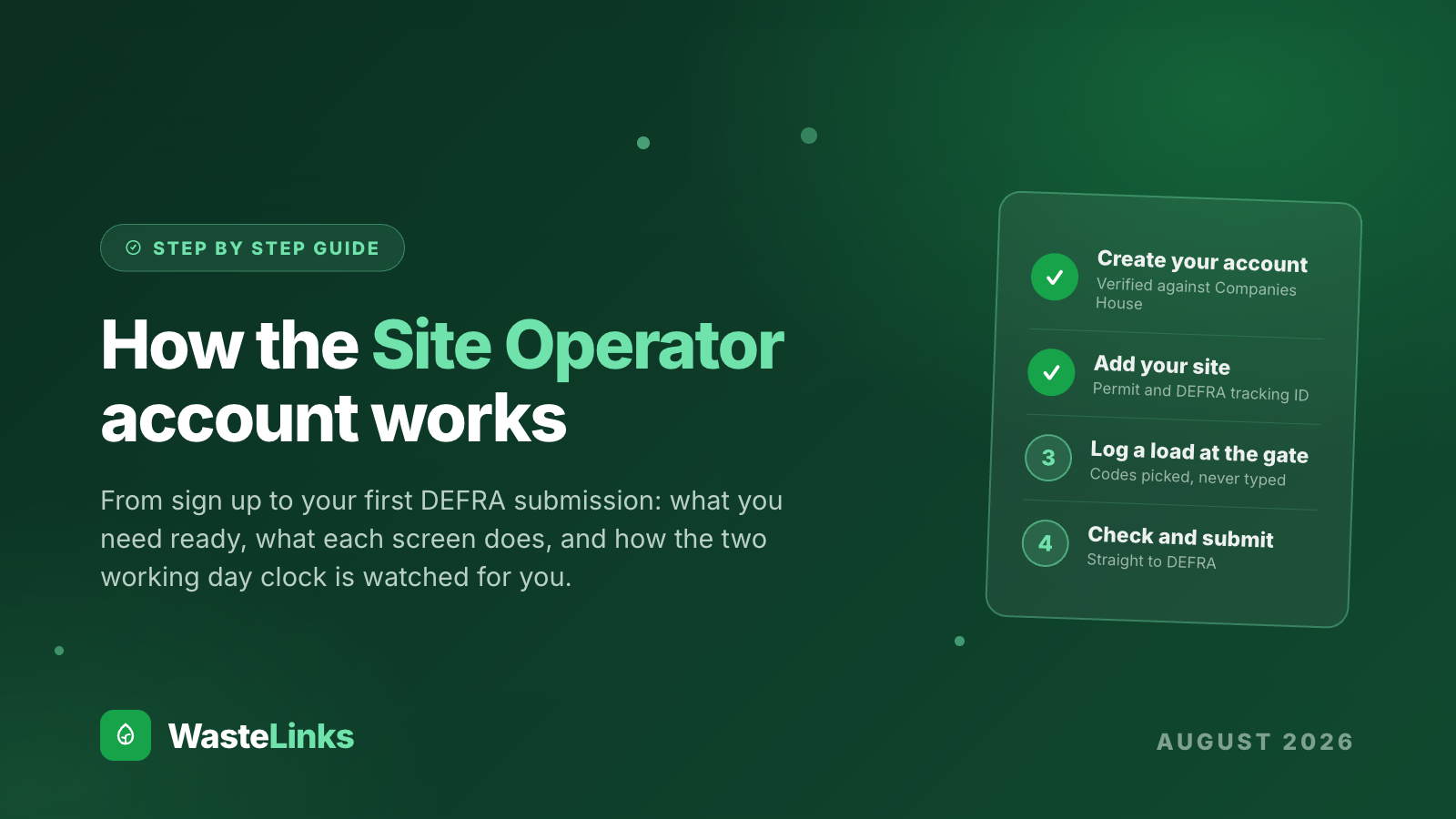
The short version is that there are four steps between you and your first submitted record, and none of them needs an IT department. You create an account, you add your site, you log a load, and you press check and submit. Everything happens in your web browser, on a computer or on your phone, and it costs nothing until the rules take effect.
What you see when you sign in
This is the receipts dashboard, the screen your team will live in day to day.
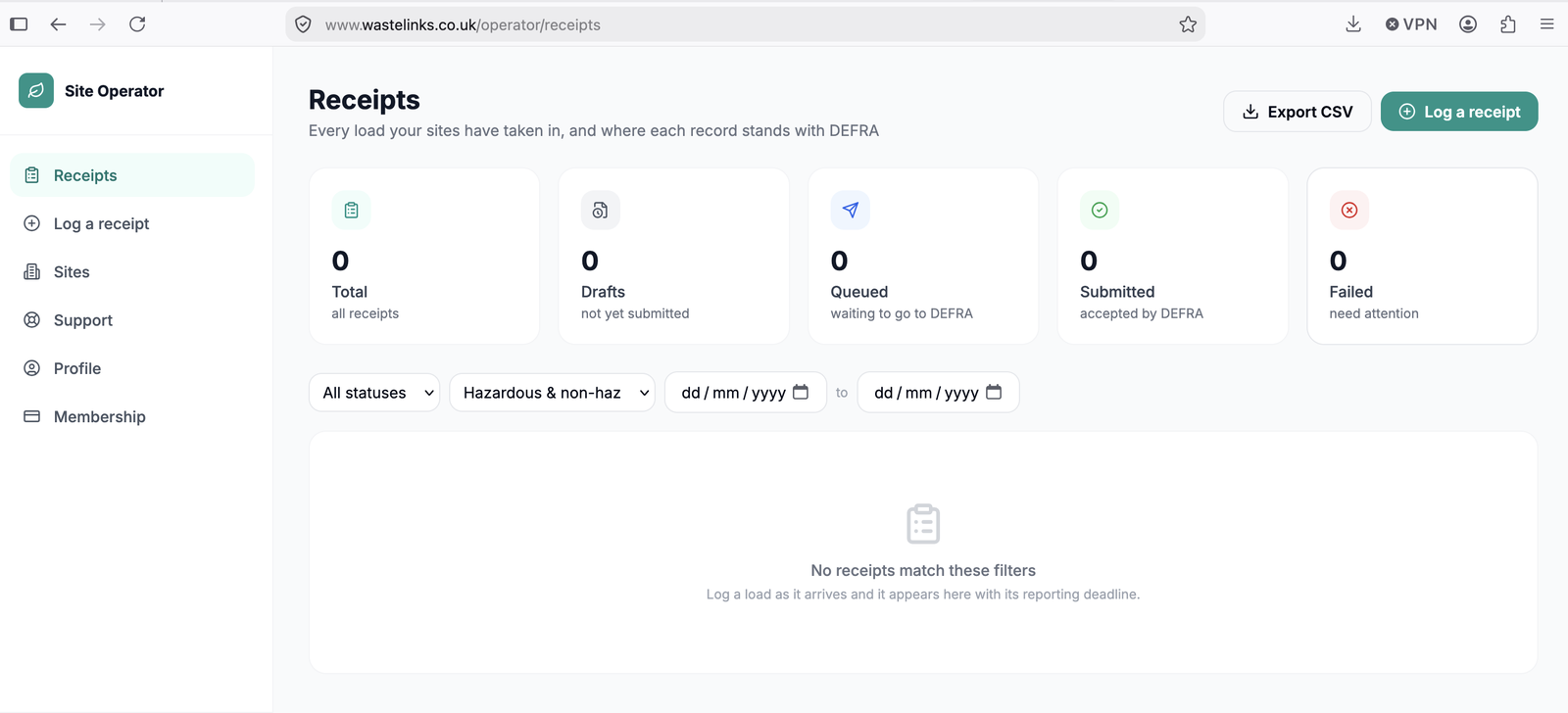
The receipts dashboard: every load your sites have taken in, and where each record stands with DEFRA.
Reading it takes about three seconds, which is the point. Five numbers across the top tell you where every record stands: the total your sites have taken in, drafts that are not yet submitted, records queued and on their way to DEFRA, records DEFRA has accepted, and anything that failed and needs attention. Below that, filters let you slice the list by status, by hazardous or non hazardous, and by date, and the Export CSV button gives you the whole register as a spreadsheet whenever an auditor or a consultant asks. Every unsubmitted record carries its own two working day deadline, calculated from when the load arrived and skipping weekends, so the question of whether your site is up to date always has a visible answer.
Step 1: Create your operator account
Go to the Site Operator registration page and you will find a short form: your name, your work email, a password and your company name. When you submit it, WasteLinks checks your company live against Companies House, the same verification every carrier on our marketplace goes through. There is no card required and nothing to install.
Step 2: Add your site
Once your account exists you are taken straight to the Sites screen, where you add each receiving site you operate. Two pieces of information matter here. The first is your site's permit or authorisation number, which we check against the Environment Agency public register where the register can confirm it; where it cannot, for instance an older licence reference, a person reviews it instead. The second is your DEFRA Digital Waste Tracking ID. DEFRA issues this ID when your organisation registers with the Digital Waste Tracking Service on GOV.UK, which is a legal duty for permitted sites and takes a few minutes. If you do not have yours yet, the site form shows you exactly where to go and where to paste it once you have it. One account can hold several sites, and each site keeps its own permit, its own tracking ID and its own receipts.
Step 3: Log a load
When a lorry arrives, you press Log a receipt and fill in a form designed for the speed of a working weighbridge. The waste code, container type, hazard properties and carrier details are all picked from DEFRA's own lists rather than typed, which is why the formatting traps that catch people on DEFRA's free spreadsheet simply cannot happen here. A routine non hazardous load takes under a minute. Hazardous loads are a first class citizen rather than an upsell: consignment note codes, hazard properties and the reasons DEFRA accepts when paperwork did not travel with the waste are all part of the same form, with the rules between them enforced as you type. And if the paperwork arrived with the driver, you can photograph the transfer note or consignment note and let WasteLinks read it and fill the form for you to check.
Step 4: Check and submit
Nothing goes to DEFRA without a person at your site confirming it first, because you remain the legal author of your own records. When you press check and submit, WasteLinks builds the record in DEFRA's exact format and sends it through our connection, which has passed DEFRA's production approval testing. The record moves through the queued and submitted states on your dashboard, and if DEFRA ever rejects something it lands in the failed column with the reason, ready to fix and resend. If you spot a mistake after submission, you amend the record and the correction goes to DEFRA against the same waste tracking reference, with both versions kept in your audit trail.
What it costs
Nothing until the rules go live. Sites that join before 1 October 2026 use everything free until the mandate takes effect, which is deliberately designed to let your gate staff get comfortable while there is no pressure. From October the price is one flat £39 per month per site, with hazardous waste included, no commission, no contract and no cancellation fee. The detail lives on our pricing page.
Frequently Asked Questions
What should I have ready before signing up?
Your work email, your company name as it appears at Companies House, your site's permit or authorisation number, and ideally your DEFRA Digital Waste Tracking ID. If you do not have the DEFRA ID yet, you can still register and add it later; the site form shows you exactly how to get one on GOV.UK.
Can one account manage more than one site?
Yes. Add as many sites as you operate under one login. Each site keeps its own permit, its own DEFRA tracking ID, its own receipts and its own deadlines, and the dashboard shows them together or filtered per site.
Do I need any special hardware or software at the gate?
No. The whole system runs in a web browser, and the logging form works on a phone standing next to the lorry. The WasteLinks app, currently on its way to the App Store, adds a faster camera experience for photographing paperwork, but nothing about the service depends on it.
Is hazardous waste really included in the £39?
Yes. Consignment note codes, hazard properties and component details are part of the standard form at the standard price. We priced the product for real yards, and real yards take hazardous loads.
When does reporting become mandatory?
From 1 October 2026 for permitted receiving sites in England and Wales, with Scotland following on 1 January 2027. Signing up early costs nothing and means the deadline arrives as a non event.
Ready to see it with your own site's name on it? Register as a Site Operator, add your site, and log your first load today.
Ready to get started with WasteLinks?
Find verified waste carriers or list your services today.